
DEATH ALERTS
Rust death alerts: the whole team sees who died, and where
Connect your own Rust+ and the moment a teammate dies, the app posts who died and in which grid to in-game chat. Logins, AFK, base alarms, Cargo and helicopters are posted too, without leaving the game.
Sound familiar?
Nobody noticed the death
By the time they say "I died" on voice, their body has been looted.
No idea where
"Where are you?" "Somewhere near the dome." By the time you get there, it's over.
Only one phone gets the alarm
The smart alarm is paired to one person's phone, and the rest of the team knows nothing.
How do you get team death alerts in Rust?
Rust only tells the player who died. There are three common ways to let the whole team know right away.
Three ways
Setting it up
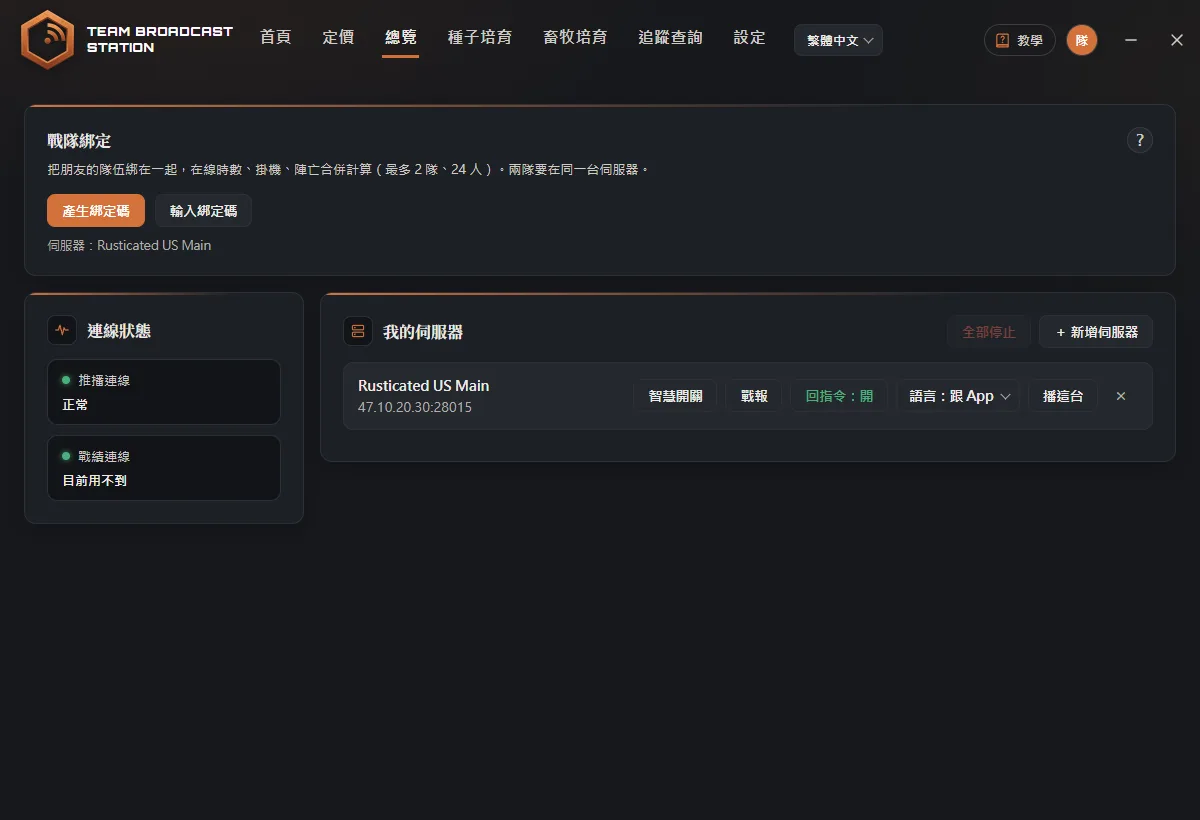
- Connect Rust+ notificationsSign in to Rust+ with Steam in the app (the official Rust sign-in, one click).
- Pair your serverClick "+ Add server" in the app, then in game press ESC, open the Rust+ tab, and click Pair.
- Click BroadcastWhen it says Broadcasting, you're live. Deaths and logins now appear in game chat automatically.
Tip: Use Broadcast items to turn off any type you don't want, for example to keep only deaths and base alarms.
What gets posted
Teammates logging in and out, deaths (with map grid), going AFK and coming back, leaving the team, your smart alarms going off (with the alarm's name), and Patrol Helicopter, Cargo Ship, CH-47, Large Oil Rig, locked crates, and the Travelling Vendor. Several logins at once are combined into one line, and deaths and base alarms are posted first. If you are in a clan it posts to clan chat, otherwise team chat. Broadcast language can be Traditional Chinese, Simplified Chinese, or English.
FAQ
Is this a cheat? Can I get banned?
No. It only connects to Facepunch's official Rust+ service (the same one the Rust+ phone app uses) and doesn't read or modify the game.
Does my PC need to stay on?
Yes. Broadcasting runs on your PC and stops if it shuts down or sleeps. One teammate running it is enough for the whole team.
Do my teammates need to subscribe?
No. Only the person broadcasting needs a subscription. Teammates see everything in game chat.